KovartAI Logo
Text to VideoNo Content Restrictions
0/4000
Sample
poster

Free Text to Video AI Generator Online

Describe a scene in plain language and KovartAI renders it as a moving clip with real camera work, not a slideshow of stills. Choose a visual style, pick 16:9, 9:16, or 1:1, and download a clean MP4 in minutes. It is free to start, so your first video from text costs you one sentence.

What is KovartAI's Text to Video?

poster

KovartAI's text to video is a prompt-driven video generator: you write a scene in plain language and the model returns rendered motion, not animated stills. Your prompt is read as a shot description, so subject, setting, lighting, and camera movement are resolved before the first frame exists, which is why a slow dolly-in or an orbit actually appears in the result. Every job renders at up to 1080p in 16:9, 9:16, or 1:1 and downloads as MP4. If your starting point is a photo instead of a sentence, the image to video tool is the right entry; this page is built for the case where text is the only asset you have.
How Does KovartAI's Text to Video Work?

01

Step 1: Write or Paste Your Text

Type a single line, or paste a full script and let KovartAI split it into shot-sized beats. Plain sentences work; you do not need prompt syntax to convert text to video.

02

Step 2: Choose Style, Motion and Format

Pick a look from cinematic live-action to 2D animation, then set the camera move, clip length, and aspect ratio. A negative prompt and a seed field give you repeatable control instead of one-off luck.

03

Step 3: Generate, Preview and Download

Watch the clip render, scrub it frame by frame, and re-run any shot that misses the brief. Finished videos export as clean MP4 files with no watermark burned into the frame, and the whole flow is free to start.

What You Can Do with KovartAI's Text to Video?

poster
01

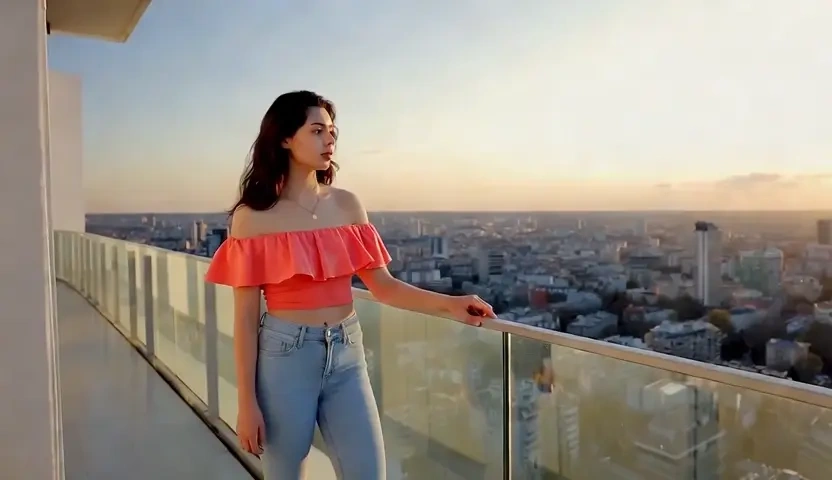
Turn a One-Line Idea Into Vertical Short-Form Video

Short-form posts are won or lost in the first second, so the opening shot matters more than the edit. Type the hook you want to test and KovartAI renders it as a native 9:16 clip with real camera movement, holding the subject inside the safe area where captions and interface overlays sit. Because generating video from text costs a prompt rather than a shoot day, you can test five competing openings in the time one reshoot would take.

poster
02

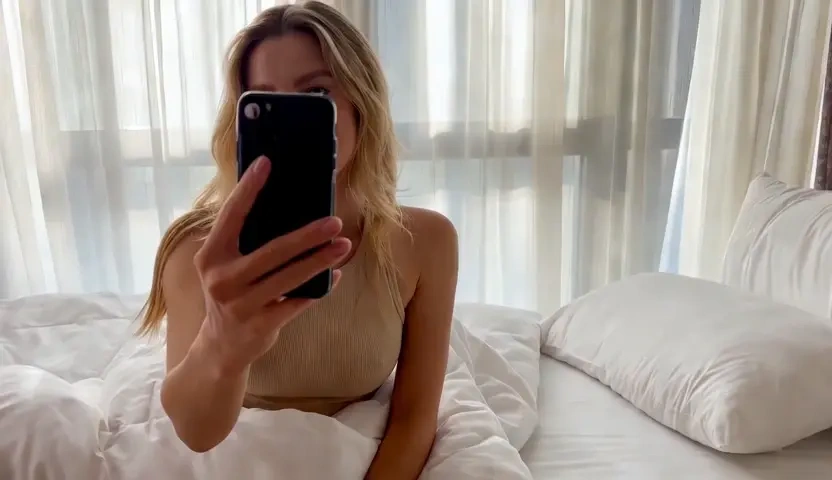
Build Product and Campaign Promos From Marketing Copy

Paste the product description you already wrote and the AI video generator from text treats it as a brief: hero shot, detail macro, lifestyle beat. Prompt-level control over lens feel, lighting temperature, and surface finish keeps a matte bottle from rendering as glossy plastic, which is exactly where AI generated video from text usually loses credibility on a product page. One script exports in 16:9 for the landing page and 9:16 for paid social.

poster
03

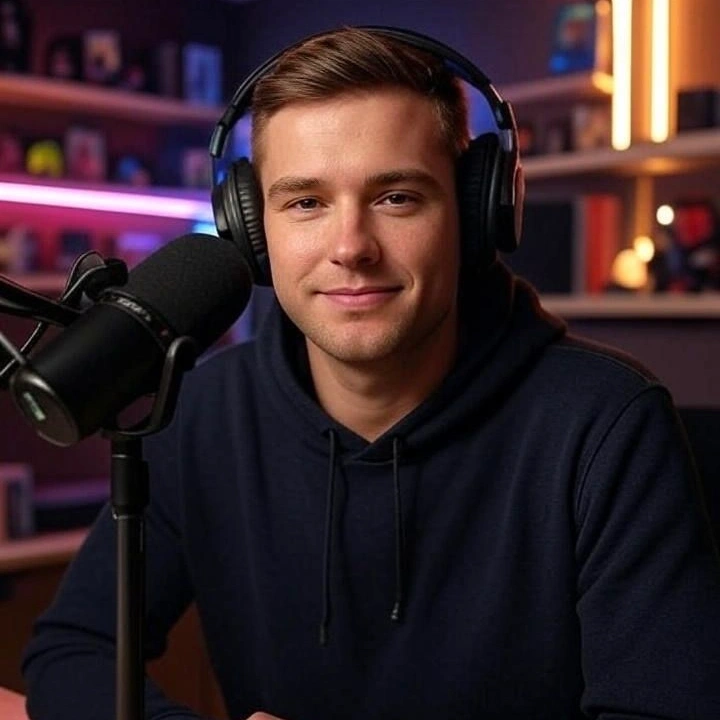
Turn Scripts and Help Articles Into Animated Explainers

Onboarding decks and support articles rarely get filmed because animation quotes arrive in weeks, not hours. Drop in the script, choose a 2D or 3D look, and the text to animated video AI holds character design, palette, and line weight steady from shot to shot so the sequence reads as one production. Each beat renders on its own, so rewriting a paragraph means re-rendering that shot instead of rebuilding the entire video.

poster
04

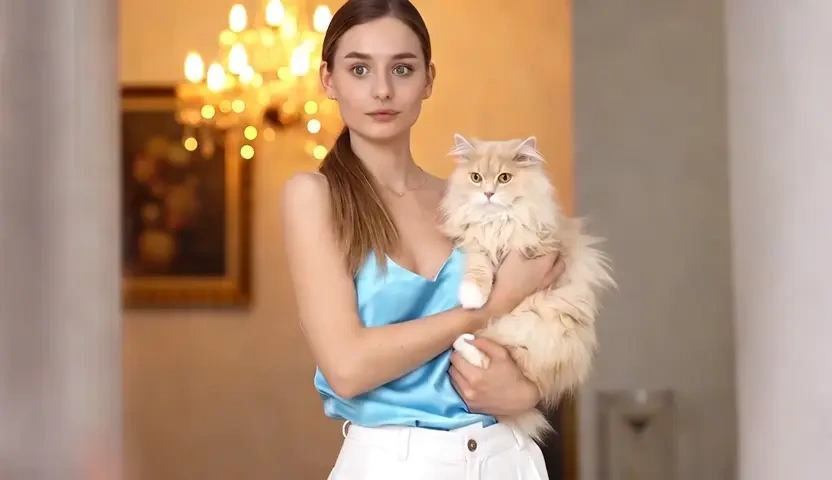
Previsualise Concepts Before You Commit a Budget

Directors, agencies, and solo filmmakers use text to video generation as a thinking tool: block the sequence, test two lighting directions, then take the winner into production. Seed locking reproduces a shot you liked while you change only the camera instruction, so the comparison stays honest instead of random. Clips download as clean MP4 files, ready to sit beside live footage in a timeline or to travel to a client as an animatic.

Who is KovartAI's Text to Video for?

Short-Form Creators and Faceless Channel Builders

Short-Form Creators and Faceless Channel Builders

Publishing daily demands volume without a camera, a studio, or a face on screen. A free AI video generator from text turns a calendar of headlines into vertical clips that are already framed for captions and voiceover.

Marketers, E-commerce Sellers and Startup Teams

Marketers, E-commerce Sellers and Startup Teams

Lean teams ship campaigns faster when a product blurb can become a promo without booking production. KovartAI keeps brand colour, pacing, and framing consistent every time you create video from text, so creative tests stay comparable to each other.

Educators, Trainers and Independent Filmmakers

Educators, Trainers and Independent Filmmakers

Course creators convert lesson scripts into animated segments that hold attention far longer than static slides. Filmmakers reach for the same text to video maker to build animatics and mood tests before a single crew member is booked.

Why Choose KovartAI's Text to Video?

01

Motion That Obeys the Sentence You Wrote

Camera terms in your prompt are parsed as motion instructions, not decoration, so a pan reads as a pan and a dolly-in gains real depth. Temporal consistency is enforced across frames, which keeps limbs, reflections, and background geometry from drifting the way weaker text to video AI tools do halfway through a clip.

02

One Script, Every Format and Style You Need

The same text renders as cinematic live-action, 3D animation, anime, claymation, or a clean whiteboard explainer, in 16:9, 9:16, or 1:1 at 5 or 10 seconds a shot. Vertical output is composed natively rather than cropped, so you are not paying for a re-frame after the fact.

03

Browser Workflow, Clean Exports, Rights You Keep

Nothing to install and no GPU of your own: prompts, renders, and revisions all live in one browser project. It is free to try, exports arrive without a watermark stamped over the frame, and the videos you generate remain yours to publish commercially under the platform content policy.

Real User Reviews for KovartAI's Text to Video

From 8,180 Reviews

4.9/5

Five hooks tested in one lunch break

I used to storyboard one opener a day. Now I write five variations, generate video from text for each, and post the one that survives the retention test.

Maya FernandesShort-Form Content Creator

Our promos stopped looking synthetic

Product renders used to give themselves away on reflections and material finish. Specifying matte surfaces and softbox lighting in the prompt fixed it, and the clip now sits above the fold on our store page.

Daniel OkaforE-commerce Marketing Lead

Replaced a three-week animation quote

Our compliance module needed eight animated beats and the studio quote was out of budget. I converted the script into video shot by shot and delivered the module the same week, with consistent characters throughout.

Priya RaghavanLearning and Development Manager

The camera actually does what I ask

Most AI text to video output ignores camera language and gives you a floating zoom. Here a crane up reads as a crane up, which means I can pre-plan an edit instead of salvaging one.

Tom WhitfieldFreelance Motion Designer

Vertical exports that need no re-crop

Headroom and subject placement are correct for 9:16 from the first frame, so captions never cover a face. It saved my team an entire reformatting pass every week.

Sofia LindqvistSocial Media Manager

Animatics my client understood instantly

Pitching a mood with words never worked. I now send an AI generated video from text before the shoot, and approvals come back in hours rather than after two rounds of notes.

Marcus BellIndependent Filmmaker

FAQs for KovartAI's Text to Video

It is free to start. A daily credit allowance lets you run text to video jobs without entering payment details, and the prompt editor, style presets, and format options are identical on every tier. Higher plans mainly add longer clips, 1080p priority rendering, and batch queues.