KovartAI Logo
Image to VideoNo Content Restrictions
0/4000
Sample
poster

Free Image to Video AI Generator Online

Upload a picture, describe the motion you want and KovartAI turns the still into a short clip that still looks like your original shot. Faces, products, and artwork keep their shape while the camera moves, so the result reads as footage rather than a zooming JPEG. Free to start, and every render downloads as a clean MP4.

What is KovartAI's Image to Video?

poster

KovartAI's image to video animates a picture you already own: your upload becomes the literal first frame, and the model generates the motion that follows it instead of reinventing the subject. Faces, product silhouettes, logos, and composition stay anchored while a motion prompt drives camera movement, ambient detail, and pacing. JPG, PNG, WebP, and HEIC files are accepted, and each job renders up to 1080p as a 5 or 10 second MP4 in 16:9, 9:16, or 1:1. If you have no picture and only a sentence, the text to video page builds from scratch; this page exists so the photo you shot or designed keeps its identity once it starts moving.
How Does KovartAI's Image to Video Work?

01

Step 1: Upload Your Image

Drop in a JPG, PNG, WebP, or HEIC file, or add several pictures at once for a sequence. The upload is read as the opening frame, so a sharp original always animates better than a compressed screenshot.

02

Step 2: Describe the Motion and Camera

Say what should move and how the camera behaves, then set motion strength, clip length, and aspect ratio. You can mask a single region when only the water, hair, or background should drift.

03

Step 3: Generate, Preview and Download

Review the clip frame by frame, re-run with a lower motion value if anything drifts, and add music or a loop when the sequence needs it. Exports are clean MP4 files with no watermark burned into the frame, and it is free to start.

What You Can Do with KovartAI's Image to Video?

poster
01

Bring a Portrait or Lifestyle Still Into Motion

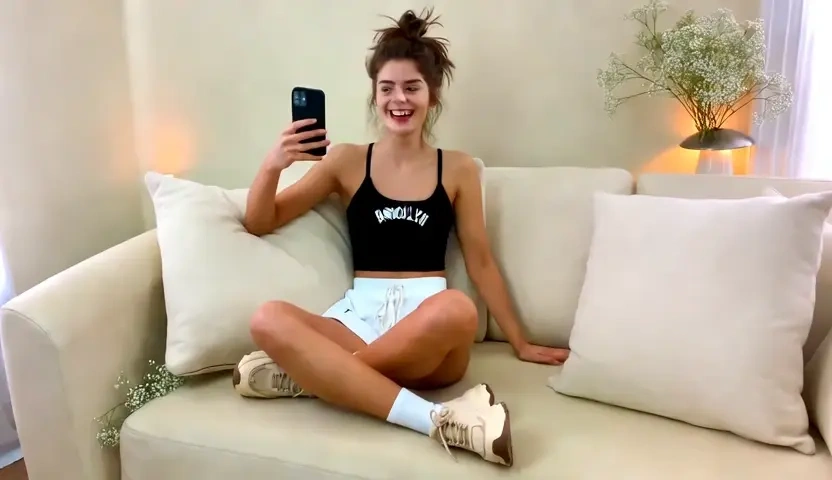
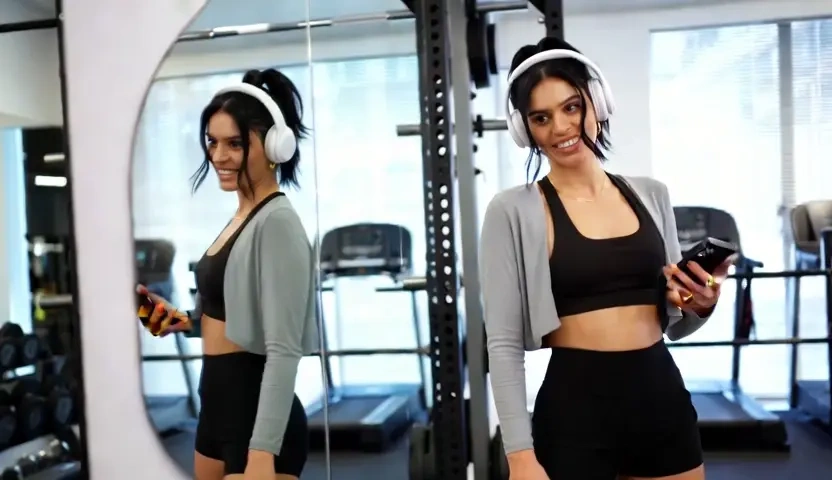
A portrait that stops the scroll usually needs movement, not another filter. Upload the still and KovartAI keeps your pixels as frame one while adding parallax depth, hair drift, fabric sway, and a breathing micro-motion, with facial landmarks locked to the original. Motion strength is a slider, so the same photo can stay a subtle living portrait or take a full camera push-in, and it exports as a short clip that reads as footage.

poster
02

Turn Catalogue Photos Into Scroll-Stopping Promos

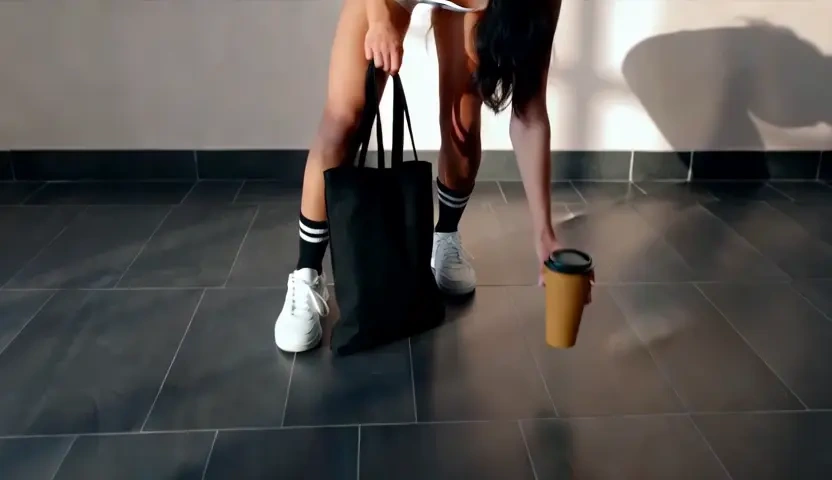
Reshooting product photography is expensive, and a static frame dies in a paid feed. Aim the motion prompt at the camera rather than the object, and the item reveals through a slow orbit or dolly while edge geometry, label text, and material finish stay faithful to the shot you already paid for. Sellers use this AI video generator from image to fill vertical ad slots and detail-page loops without a studio booking or a 3D rebuild.

poster
03

Build Memory Reels From a Folder of Pictures and Music

A trip or wedding album only becomes watchable when pacing and sound carry it. Add a set of images, choose a track, and KovartAI cuts to the beat while giving every frame its own gentle camera move, so shots breathe instead of sliding past. It is the shortest path to making a video out of photos with music for an anniversary, a birthday recap, or a client highlight reel delivered the same evening.

poster
04

Animate Illustrations, Anime Frames and Concept Art

Artists lose the most when a model repaints their line work in the name of animation. Here the original artwork anchors the first frame, so brush texture, line weight, and colour blocking survive while the scene gains drifting clouds, a blinking character, or a slow lateral pan. WebP, PNG, and JPG all go in and leave as MP4, which quietly settles the file question for a portfolio loop, a stream title card, or a pitch deck.

Who is KovartAI's Image to Video for?

Online Sellers and Performance Marketers

Online Sellers and Performance Marketers

Every listing already has photography that a feed treats as wallpaper until it moves. Converting those same assets with an image to video converter fills video ad placements and product loops without a new shoot, and keeps the item looking exactly like the one being shipped.

Photographers, Illustrators and AI Artists

Photographers, Illustrators and AI Artists

Motion is now expected in portfolios, client previews, and social posts, but hand-animating a frame is rarely worth the hours. Animating a picture with AI adds camera language and ambient life while the original craft in the image stays visibly intact.

Creators, Bloggers and Small Teams

Creators, Bloggers and Small Teams

Birthdays, graduations, travel albums, and family archives sit in a camera roll because editing software feels like work. Picking images, adding music, and letting the AI photo to video flow handle timing gives a finished clip in a browser, with no editing background required.

Why Choose KovartAI's Image to Video?

01

Your Photo Stays Recognisably Your Photo

The upload is used as the actual first frame, not as loose inspiration, and identity anchoring holds facial landmarks, product silhouettes, and logo placement steady through the clip. That is the difference between an animation a client approves and one where the packaging quietly changes shape halfway through.

02

Motion You Direct Instead of Motion You Accept

Motion strength, region masks, camera instructions, and a loop toggle are all exposed, so you can move only the sky, only the fabric, or only the camera. Free image to video tools usually give you one animation button; here a shot that came back too energetic is a slider adjustment, not a lottery re-roll.

03

Common Files In, One Clean File Out, Uploads Kept Private

JPG, PNG, WebP, and HEIC are read natively and everything exports as standard MP4, which covers the usual WebP to MP4 or JPG to video handoff on the way. Uploads live in a private project space rather than a public gallery, and the tool is free to try before any card is involved.

Real User Reviews for KovartAI's Image to Video

From 5,460 Reviews

4.9/5

Product loops without another studio day

I animated forty existing catalogue shots in an afternoon. The labels stayed sharp and the packaging kept its shape, which is the part every other AI image to video attempt got wrong for us.

Hannah OrtizOnline Store Owner

My line work survived the animation

Other tools repainted my illustration into generic AI art. This one kept brush texture and line weight and only added a drifting camera, so the clip still looks like my work.

Kenji WatanabeIllustrator and Concept Artist

Wedding recap delivered the same night

I pull thirty selects, add the couple's song, and the beat-matched sequence is ready before I leave the venue. Turning photos into video used to be a separate billable edit for me.

Rachel AdeyemiWedding Photographer

Static creatives finally became video ads

We had hundreds of stills and no video budget. Converting them to 9:16 clips lifted our hook rate noticeably, and the motion strength control kept the products from wobbling.

Victor HalvorsenPerformance Marketer

Listing photos that feel like a walkthrough

A slow push through a living room reads far better than a carousel of stills. Buyers now watch the whole clip, and I only needed the interior photos I already had.

Amara SinghReal Estate Agent

Solved my WebP to MP4 problem too

Half the assets clients send are WebP, which my editor refuses. Uploading them here with minimal motion gives me a usable MP4 and a bit of life in the frame at the same time.

Leo MarchettiFreelance Video Editor

FAQs for KovartAI's Image to Video

It is free to start: a daily credit allowance covers standard renders with no card details required. We do not advertise unlimited free image to video, because every clip consumes real GPU time; what you get instead is a predictable daily quota, while paid plans raise resolution, clip length, and queue priority.