KovartAI Logo
AI Image GeneratorNo Content Restrictions
Image
Prompt
0/4000
Sample
head

Free AI Image Generator from Prompt or Image Online

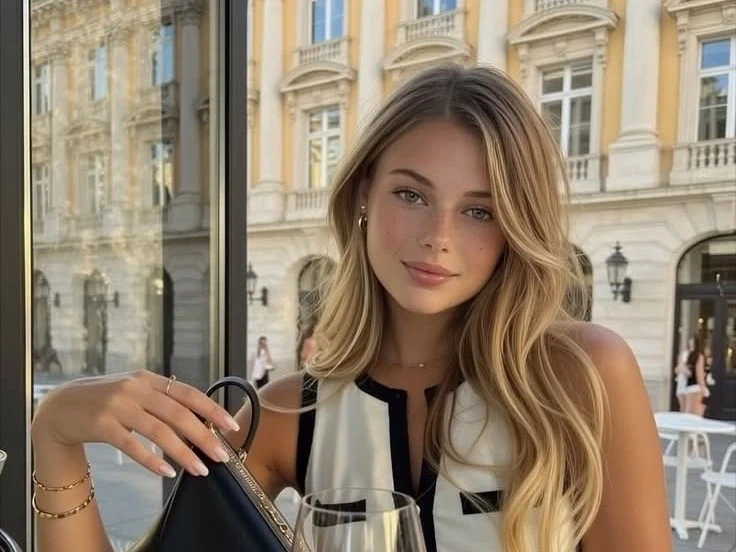
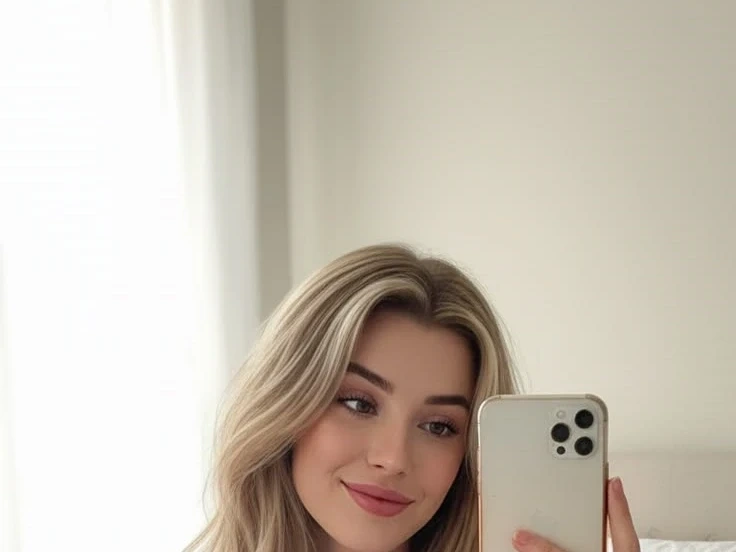
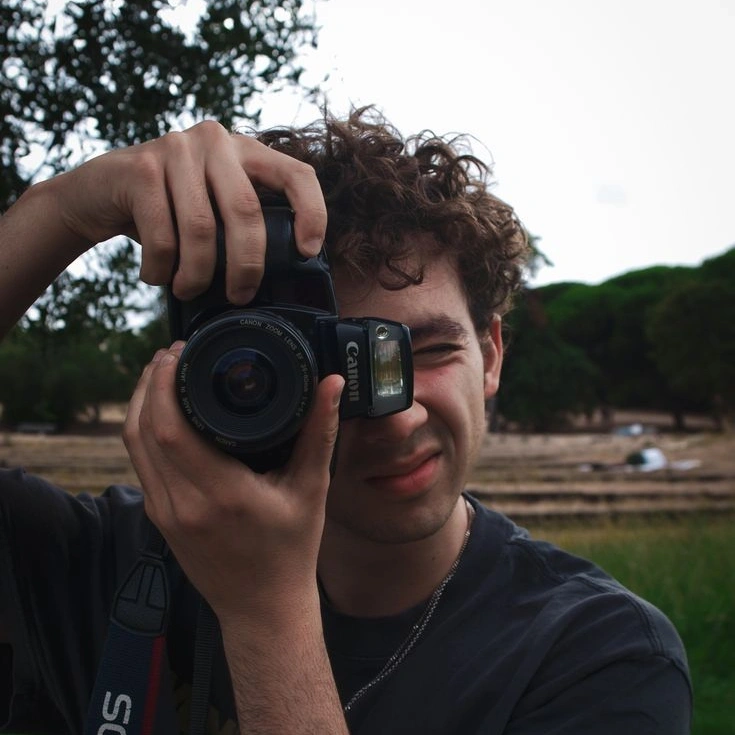
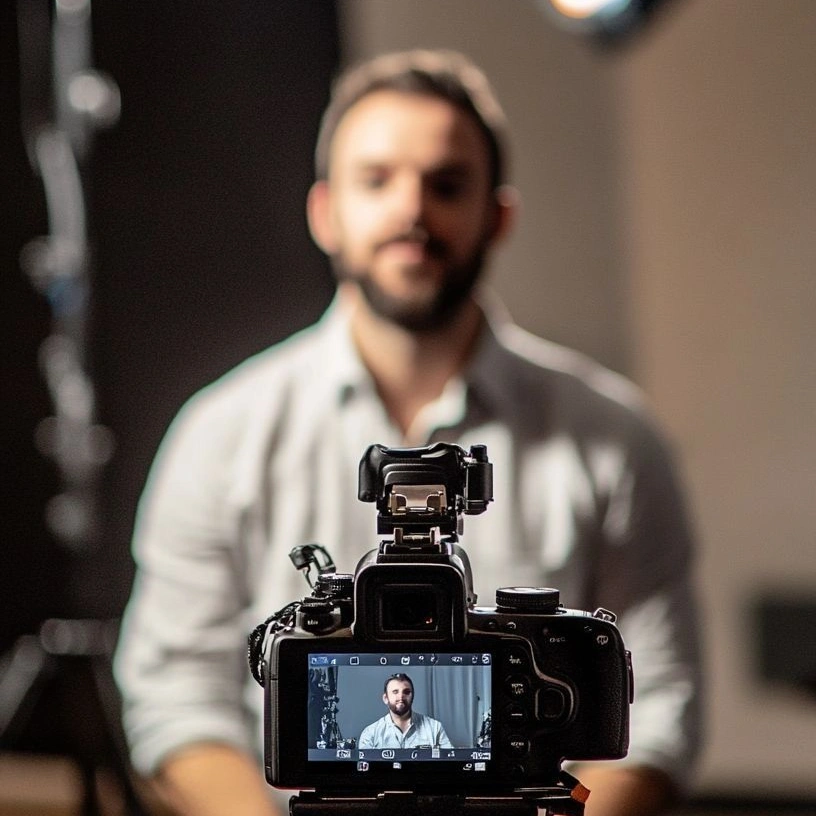
Describe what you want and get an original picture, or upload a reference and restyle it without losing the composition you already liked. Style presets, aspect ratios, and a negative prompt keep results on brief rather than on luck, and every image downloads at up to 2K in PNG, JPG, or WebP. Free to start.

What is KovartAI's AI Image Generator?

What is

KovartAI's AI image generator is one canvas with two ways in: write a prompt and receive an original picture, or upload a reference and have the model rebuild it in a new style, light, or material. Both paths share the same controls, so style presets, aspect ratios, negative prompts, and seed locking behave identically whether the job started from text or from an image. Output is still imagery in PNG, JPG, or WebP at up to 2K, with a 4K upscale pass for print and large-format use. Nothing on this page moves: if you want a finished picture to animate, the image to video tool takes it as a separate step.
How Does KovartAI's AI Image Generator Work?

01

Step 1: Start From a Prompt or a Reference Image

Type the scene you have in mind, or drop in a sketch, photo, or older render and set how strongly it should guide the result. Text to image invents the composition; image to image keeps yours and changes the execution.

02

Step 2: Set Style, Ratio and Detail Controls

Choose photoreal, illustration, 3D, anime, or product lighting, then pick 1:1, 4:5, 3:2, 16:9, or 9:16. A negative prompt clears recurring artefacts and a locked seed makes the next render comparable instead of random.

03

Step 3: Preview, Refine and Download

Each run returns a grid to compare, and any picture can be inpainted, extended, or upscaled before export. Files download as clean PNG, JPG, or WebP with no watermark across the frame, and the whole flow is free to start.

What You Can Do with KovartAI's AI Image Generator?

Turn a Written Brief Into Campaign and Editorial Visuals
01

Turn a Written Brief Into Campaign and Editorial Visuals

Stock libraries rarely hold the exact frame the article argues for, and licensing the near-miss still costs a day. Describe the subject, lens feel, and lighting, and the text to image generator returns a grid of variants to judge before you commit. Ratio presets then push the same prompt into a wide hero image, a square social card, and a vertical story, so the visual ships with the post instead of a week after it.

Restyle a Sketch, Snapshot or Dated Render
02

Restyle a Sketch, Snapshot or Dated Render

Often the composition is already right and only the execution is wrong. Upload a rough drawing, a phone photo, or an old asset and set the influence strength: low values preserve your layout while materials, light, and finish are reworked, high values treat the upload as loose inspiration. Designers use this image to image route to take a napkin sketch to a presentable concept board, or to bring legacy visuals in line with a refreshed brand.

Edit What Already Exists: Objects, Backdrops and Framing
03

Edit What Already Exists: Objects, Backdrops and Framing

An AI image editor proves itself on pictures you cannot simply regenerate. Mask a region to paint in a new object, delete the distraction a client keeps circling, replace a flat studio backdrop with a lifestyle setting, or extend the canvas outward when a crop built for a square post is too tight for a banner. Edits apply to your original pixels, so everything outside the mask stays exactly as it was shot.

Produce a Consistent Set Instead of One Lucky Frame
04

Produce a Consistent Set Instead of One Lucky Frame

Getting one good picture is easy; getting twenty that read as the same brand is the real work. Attach a style reference and lock the seed, and palette, lighting, and rendering hold steady across a batch of product mockups, character turnarounds, ad variants, or thumbnails. Selected frames upscale to 4K, so the same AI generated images serve a landing page, a marketplace listing, and a printed poster without a second production pass.

Who is KovartAI's AI Image Generator for?

Marketers, Bloggers and Content Teams

Marketers, Bloggers and Content Teams

Every post, ad, and newsletter needs a visual, and the stock library never quite supports the argument being made. A free AI image generator turns the brief that already exists into an original picture, sized correctly for each channel before anyone opens a design file.

Designers, Illustrators and Concept Artists

Designers, Illustrators and Concept Artists

Early exploration quietly consumes the hours that should go into craft. Generating from a sketch or a reference puts twenty directions on the table before lunch, and the two worth keeping go back into the working file for hand finishing.

Sellers, Founders and Solo Creators

Sellers, Founders and Solo Creators

A one-person team cannot book a photographer for every listing, launch, or upload. Prompt-built product scenes, avatars, and thumbnails close that gap, and an AI photo generator that runs in the browser means no new software sits between an idea and a usable file.

Why Choose KovartAI's AI Image Generator?

01

Two Entry Points, One Set of Controls

Prompt-only and reference-driven generation live on the same canvas, sharing style presets, ratios, seeds, and negative prompts. You can generate from text, drag the result back in as a reference, and refine it further, instead of moving between a separate text to image tool and an image to image tool mid-project.

02

Prompt Adherence Where Models Usually Break

Hands, faces, spatial relationships, and short on-image text are the four places generated pictures fall apart under scrutiny. Guidance strength, region masking, and a negative prompt give you direct levers on those failures, so fixing a bad result is a deliberate adjustment rather than another spin of the wheel.

03

Output That Survives Real Use and Rights You Keep

Images render up to 2K natively and upscale to 4K for print, with PNG, JPG, WebP, and transparent PNG for mockups and overlays. Downloads carry no watermark, references you upload stay in a private workspace rather than a public feed, and what you create is yours to publish commercially. Free to try before any of that matters.

Real User Reviews for KovartAI's AI Image Generator

From 5,120 Reviews

4.9/5

Hero images that match the article

Our stock budget went to pictures that were almost right. Now the prompt comes straight out of the draft, and the hero, social card, and vertical crop all come from one run.

Nadia BrooksContent Marketing Manager

Sketch to client-ready concept in minutes

I keep the influence strength low so my proportions survive, and the model handles materials and lighting. Clients react to a rendered concept far better than to my pencil lines.

Julian ReyesIndustrial Designer

Twenty ads that look like one brand

Consistency was always the weak point with AI image creation for us. A locked seed plus a style reference gives a batch where palette and lighting genuinely match across every variant.

Mei-Lin ChenBrand Designer

Product scenes without booking a studio

I shoot the item once on white, then generate the kitchen, the desk, and the outdoor version around it. Our listing conversion moved and the photography line item did not.

Omar HaddadDTC Store Founder

Poster layouts I can actually typeset

I generate the artwork with clear space for the headline and set type myself, exactly as suggested here. Short signage text renders cleanly enough for mockups, which was never true before.

Tobias KleinFreelance Graphic Designer

Thumbnails I stopped outsourcing

Two prompts and an inpaint pass get me a thumbnail that fits the channel style. Turnaround dropped from a two-day freelancer loop to about ten minutes before publishing.

Ravi MenonVideo Creator and Educator

FAQs for KovartAI's AI Image Generator

It is free to start, with a daily credit allowance covering standard-resolution runs and no card details required. Each prompt returns a small grid rather than a single picture, so the allowance stretches further than the number suggests, and paid plans mainly add higher resolution, larger batches, and faster queues.